CS 1.6 Professional Netcode & Rates Guide: Eliminating Choke, Loss & Hitreg Delay
Master the GoldSrc network engine. Configure rate, cl_updaterate, cl_cmdrate, and ex_interp to achieve zero choke, zero loss, and flawless bullet registration on online servers.
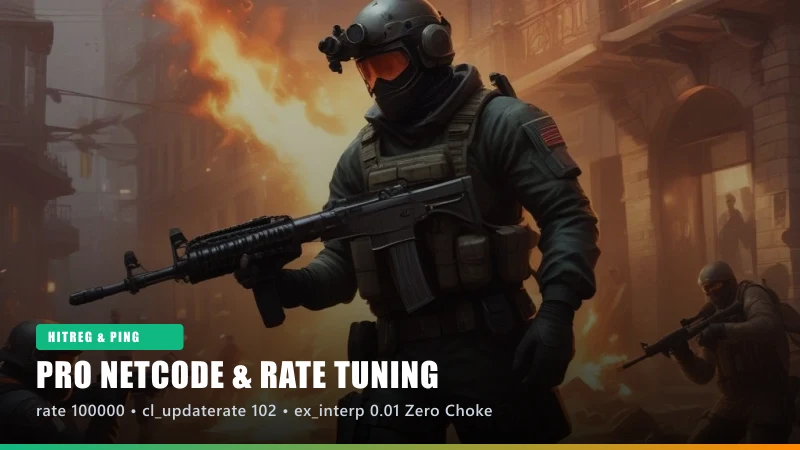
Demystifying GoldSrc Netcode (Choke, Loss & Interpolation)
In Counter-Strike 1.6, your client constantly exchanges network packets with the game server. If your rate settings are misaligned, you will experience hit registration failure—bullets visually hitting the enemy model without registering damage on the server.
Two critical diagnostic metrics can be monitored by typing net_graph 3 into your console:
• Loss: Occurs when packets are dropped between your PC and the server. Caused by network instability or poor Wi-Fi.
• Choke: Occurs when your client attempts to send or receive more bytes than your configured rate permits. Choke causes enemies to appear stuttery and causes your bullets to vanish into thin air.
Setting correct competitive rates eliminates choke completely and ensures instant hit registration.
The Golden Netcode Configuration for High-Speed Internet
Paste the following tournament-standard block into your console or autoexec.cfg:
rate 100000
cl_updaterate 102
cl_cmdrate 102
ex_interp 0.01
cl_dlmax 1024
cl_resend 6
Detailed parameter analysis:
• rate 100000: Allocates maximum network bandwidth (100 KB/s) for server data. Modern broadband connections can easily handle this, preventing choke even during chaotic 32-player grenade spam.
• cl_updaterate 102: Requests 102 world snapshot updates per second from the server (matching standard 1000 FPS servers).
• cl_cmdrate 102: Sends 102 user commands (movement, mouse angle, shooting) per second to the server.
• ex_interp 0.01: Sets the client-side entity interpolation window to 10 milliseconds (1 / 100). This aligns the visual player model exactly with its server-side hitbox, eliminating the delay where you have to "lead" your shots.
Adjusting ex_interp for High Ping Servers (60ms+)
While ex_interp 0.01 is mandatory for low-ping competitive play (ping under 50ms), playing on distant international servers with high latency can cause enemy models to jitter if packet arrival times fluctuate.
Rule of thumb for interpolation:
• Ping < 50ms: ex_interp 0.01 (Perfect 1:1 hitbox alignment)
• Ping 50ms - 90ms: ex_interp 0.02
• Ping 90ms+: ex_interp 0.03
Formula: ex_interp = 1 / cl_updaterate. When updaterate is 100, ex_interp 0.01 represents 100% accurate mathematical interpolation.
Saving Netcode Permanently in userconfig.cfg
Some servers attempt to alter your netcode settings upon connection (slow-hacking). To permanently lock your settings:
1. Open your cstrike directory.
2. Open userconfig.cfg (or create it with Notepad if missing).
3. Paste the netcode block at the end of the file.
4. Save and close Notepad.
5. Right-click userconfig.cfg, select Properties, and check "Read-only". This prevents rogue servers from overwriting your tournament settings.
Skip Manual Tweaks — Get the Pre-Optimized 2026 Client
All settings, Windows 11 compatibility fixes, 240Hz uncap parameters, and anti-slowhack protections covered in this guide are pre-applied out of the box in our official 170 MB setup.
Related Technical Guides
 Compatibility
CS 1.6 Windows 11 (24H2) Optimization & Crash Fix Guide
The ultimate technical guide to running Counter-Strike 1.6 flawlessly on Windows 11 and Windows 10 without crashes, input lag, or 60 FPS caps.
 Performance
How to Uncap FPS in CS 1.6 for 144Hz, 240Hz & 360Hz Monitors
Learn how to unlock the 100 FPS GoldSrc engine cap, configure fps_override, eliminate vertical sync tearing, and achieve butter-smooth high refresh rate gameplay.
 Gameplay
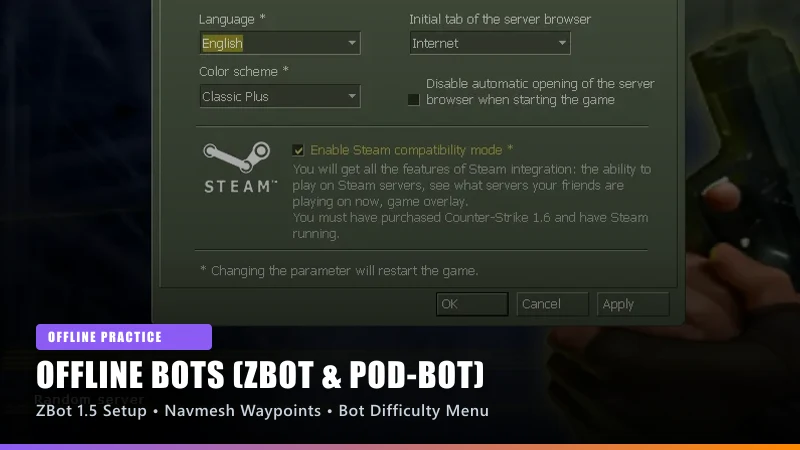
CS 1.6 Offline Bots Guide: Installing ZBot 1.5, POD-Bot & Navmesh Waypoints
Learn how to configure intelligent offline bots in Counter-Strike 1.6 for target practice, warmup routines, and bot navigation on custom maps.