CS 1.6 FastDL & ReHLDS Server Acceleration Guide 2026
Learn how to set up lightning-fast map and sound downloads for your CS 1.6 server using sv_downloadurl, Nginx / Cloudflare FastDL mirrors, and ReHLDS.
What Is FastDL and Why Does Every Server Need It?
By default, the Half-Life GoldSrc server engine transmits custom maps (.bsp), player models (.mdl), and sound effects (.wav) through internal UDP game packets. Because the engine caps file transfers at roughly 20 KB/s, connecting players often wait 10 to 15 minutes to download a single custom zombie map.
FastDL (Fast Download) redirects the player's game client to an external high-speed HTTP/HTTPS web server (such as Nginx, Apache, or Cloudflare CDN). Files download at full broadband speed (10–50 MB/s), reducing map load times from minutes to mere seconds.
Step 1: Setting Up the FastDL Web Directory
Your FastDL web server directory must strictly mirror the internal folder structure of your cstrike game directory.
FastDL Root Directory Structure:
/fastdl/
├── maps/ (de_dust2_2026.bsp, zm_toxic.bsp)
├── models/ (player models, weapon models)
├── sound/ (custom round sounds, ambiance)
├── sprites/ (radar, muzzleflash, HUD elements)
└── gfx/ (custom decals, env skyboxes)
Ensure file permissions are set to 755 (read & execute) so web visitors can download the assets.
Step 2: Compressing Assets to .bzip2 for Instant Transfers
Modern CS 1.6 clients automatically look for .bz2 compressed files when downloading via HTTP. Compressing your maps reduces file sizes by up to 75%.
On Linux servers, batch compress all assets using:
bzip2 -k -9 maps/*.bsp models/*.mdl sound/*.wav
When a player connects, the client downloads [map].bsp.bz2 in seconds, unzips it in memory, and enters the server immediately.
Step 3: Configuring server.cfg Commands
To activate your FastDL mirror, open cstrike\server.cfg and add the following directives:
sv_downloadurl "https://fastdl.yourdomain.com/cstrike/"
sv_allowdownload 1
sv_allowupload 1
sv_filetransfercompression 1
Critical requirements:
• Always include the trailing slash (/) at the end of the URL.
• Ensure the URL is accessible via your web browser (test by pasting a direct map link into Chrome).
• Restart your HLDS / ReHLDS server to apply changes.
Skip Manual Tweaks — Get the Pre-Optimized 2026 Client
All settings, Windows 11 compatibility fixes, 240Hz uncap parameters, and anti-slowhack protections covered in this guide are pre-applied out of the box in our official 170 MB setup.
Related Technical Guides
 Compatibility
CS 1.6 Windows 11 (24H2) Optimization & Crash Fix Guide
The ultimate technical guide to running Counter-Strike 1.6 flawlessly on Windows 11 and Windows 10 without crashes, input lag, or 60 FPS caps.
 Performance
How to Uncap FPS in CS 1.6 for 144Hz, 240Hz & 360Hz Monitors
Learn how to unlock the 100 FPS GoldSrc engine cap, configure fps_override, eliminate vertical sync tearing, and achieve butter-smooth high refresh rate gameplay.
 Gameplay
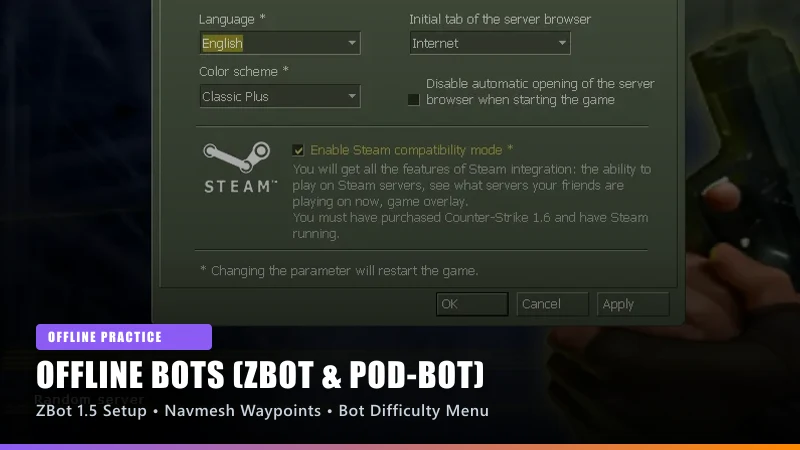
CS 1.6 Offline Bots Guide: Installing ZBot 1.5, POD-Bot & Navmesh Waypoints
Learn how to configure intelligent offline bots in Counter-Strike 1.6 for target practice, warmup routines, and bot navigation on custom maps.