CS 1.6 2026 Edition
Modern Windows 11 (24H2) Certified Client with 240Hz High-Refresh Uncap & HD UI
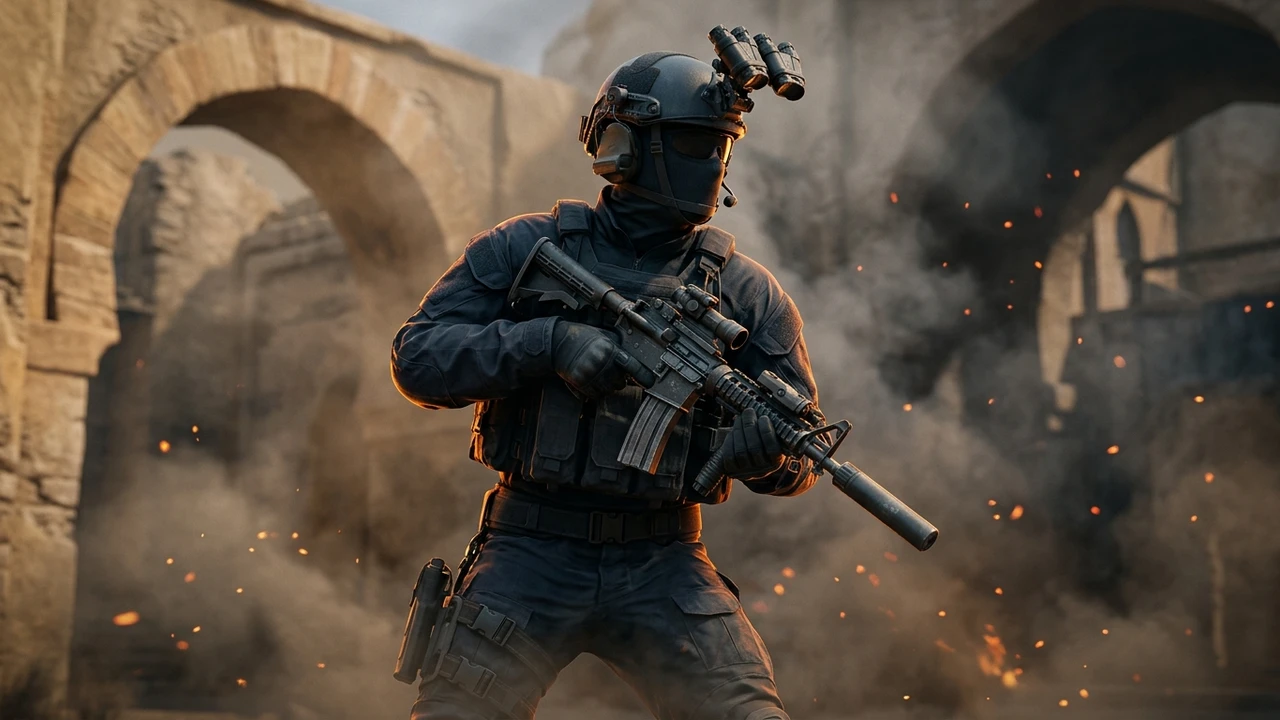
Powered by the unified CS-Down engine with 1-click in-app edition switching and automatic 10–15s mod configuration.
Next-Generation GoldSrc Modernization on Windows 11 (24H2)
Counter-Strike 1.6 2026 Edition is engineered specifically for modern PC hardware and operating systems. While legacy distributions frequently suffer from black screens, mouse polling micro-stutter, and DirectDraw crash dialogs under modern Windows 11 (including update 24H2) and Windows 10, this edition features an updated ReHLDS client core with integrated memory patch hooks.
By executing natively under enhanced OpenGL mode with proper DPI awareness, the client eliminates the infamous Desktop Window Manager (DWM) frame pacing lag. Players can enjoy buttery-smooth responsiveness on modern multi-core AMD Ryzen and Intel Core processors without requiring third-party compatibility wrappers.
Native 144Hz, 240Hz & 360Hz High-Refresh Rate Optimization
Legacy Counter-Strike 1.6 locked rendering to 100 FPS, causing visual tearing and jitter on modern 144Hz, 240Hz, and 360Hz gaming monitors. The 2026 Edition incorporates native frame rate decoupling using fps_override 1 and gl_vsync 0.
Crucially, our build preserves authentic GoldSrc physics: player jumping height, recoil cooldowns, and weapon reload animations remain identical to tournament standards while the visual camera rendering runs at the native refresh rate of your high-end gaming monitor.
High-Definition Widescreen UI & FOV Correction
Experience true 16:9, 16:10, and 21:9 ultrawide aspect ratio support without horizontal stretching or distorted crosshairs. The 2026 Edition includes a rebuilt, crisp HUD with high-contrast health numbers, radar scaling, and centered buy menus.
Field of view is dynamically corrected to prevent the clipped perspective common in older versions, giving you full peripheral vision on modern curved and widescreen displays.
Anti-Slowhack Guard & Active 2026 MasterServer Ecosystem
Nothing ruins gameplay faster than joining a malicious server that binds your keys, floods your console with Russian text, or overwrites config.cfg. The 2026 Edition includes an active Anti-Slowhack Game Guard that hardens your configuration files as read-only against remote server commands.
The in-game "Find Servers" browser connects to our dedicated 2026 MasterServer cluster, delivering thousands of verified, low-ping community servers with active fake-server and redirect filtering.
Technical Specifications
| Engine Core | ReHLDS 3.14 (Build 8684 Modernized) |
|---|---|
| Protocol Compatibility | Dual Protocol 47 / 48 (Connects to all servers) |
| Client Security | Anti-Slowhack Shield & Cryptographic Config Guard |
| Server Discovery | 2026 MasterServer with Anti-Fake Ping Filter |
| Display & Refresh | 16:9, 16:10, 21:9 Widescreen • 144Hz / 240Hz / 360Hz Uncapped |
| Offline Bot AI | Smart ZBot with in-game "H" Command Menu |
| Audio Subsystem | Miles Sound System with 3D Positional Audio |
| Disk Footprint | 170.80 MB Setup (~800 MB Installed) |
Key Features of CS 1.6 2026 Edition
- ✓ Modern 2026 build
- ✓ HD widescreen textures
- ✓ 144Hz/240Hz FPS uncap
- ✓ Anti-Slowhack Shield
- ✓ Ultra-compressed 170 MB
Recommended Console Configuration
CS 1.6 2026 Edition comes pre-configured for optimal performance. Open your in-game console (~) to view or customize these settings:
System Requirements for Windows PC
● Minimum Specifications
- CPU: 800 MHz processor (Intel or AMD)
- RAM: 128 MB RAM (256 MB recommended)
- GPU: 32 MB video card with OpenGL support
- Storage: 800 MB available hard drive space
- OS: Windows XP / Vista / 7 / 8 / 8.1 / 10 / 11
● Recommended Specifications
- CPU: 1.5 GHz multi-core processor
- RAM: 512 MB RAM or higher
- GPU: 128 MB DirectX 9 / OpenGL hardware acceleration
- Storage: 1.2 GB available storage space
- OS: Windows 10 or Windows 11 (24H2 compatible)
Quick Installation Guide
- 1. Download Setup: Click the direct download button above to retrieve
CS-1.6-2026-Edition-Setup.exe(170 MB). - 2. Run Installer: Launch the installer and follow the standard on-screen wizard to choose your destination directory.
- 3. Select CS 1.6 2026 Edition: Open the client from your desktop shortcut. Select CS 1.6 2026 Edition from the launcher menu with 1 click.
- 4. 10s Auto-Update: The client will configure the edition's custom models, sounds, and server lists automatically in 10–15 seconds.
- 5. Play Online or Practice with Bots: Click "Find Servers" to browse thousands of active community servers, or start a local match to practice offline.
Frequently Asked Questions
Does CS 1.6 2026 Edition run smoothly on Windows 11 (24H2)? ▼
Yes. All game binaries, video drivers, and registry hooks are certified for Windows 11 24H2 and Windows 10. The client launches in native OpenGL mode with high-DPI scaling enabled, preventing startup crashes and black screen errors.
How do I uncap FPS past 100 on my 144Hz or 240Hz monitor? ▼
The 2026 Edition has high-refresh support pre-configured. Open the in-game console (~) and verify fps_override 1 and fps_max 240 (or 360). Make sure gl_vsync is set to 0 to eliminate input latency.
Does this edition feature offline bots for single-player practice? ▼
Yes. It comes with pre-installed Smart ZBots. Press the "H" key while in an offline match to open the bot command menu, where you can adjust difficulty, add/kick bots, and select weapon restrictions.
Can I connect to both Steam and non-Steam community servers? ▼
Yes. With full Dual Protocol 47/48 support, you can connect to any public or private CS 1.6 server in the world, including classic 2003 servers and modern ReHLDS 2026 servers.
Related Technical Guides
 Compatibility
CS 1.6 Windows 11 (24H2) Optimization & Crash Fix Guide
The ultimate technical guide to running Counter-Strike 1.6 flawlessly on Windows 11 and Windows 10 without crashes, input lag, or 60 FPS caps.
 Performance
How to Uncap FPS in CS 1.6 for 144Hz, 240Hz & 360Hz Monitors
Learn how to unlock the 100 FPS GoldSrc engine cap, configure fps_override, eliminate vertical sync tearing, and achieve butter-smooth high refresh rate gameplay.
 Display
CS 1.6 Stretched 4:3 Resolution & Black Bars Fix (NVIDIA, AMD & Intel)
Step-by-step guide to removing side black bars, configuring 4:3 stretched resolution (800x600 & 1024x768), and optimizing GPU display scaling on modern widescreen monitors.