Download CS 1.6 Free Clients
Get the best Counter-Strike 1.6 downloads for Windows PC. Choose your preferred edition below. All downloads are safe, virus-free, and regularly updated.
Popular CS 1.6 Editions
CS 1.6 Clean Edition
Original untouched Counter-Strike 1.6 build with stock Valve weapons, classic maps, clean config files, and zero third-party skin or sound bloat.
- → Original graphics
- → Standard weapons
- → Classic maps
- → Pure gameplay
- → Virus-free download
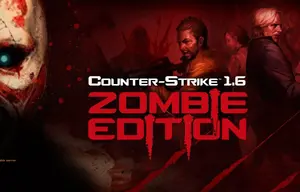
CS 1.6 Zombie Edition
Biohazard and Zombie Plague ready CS 1.6 client featuring undead player models, night-vision atmosphere, custom infection weapons, and zombie maps.
- → Zombie models
- → New weapons
- → Survival modes
- → Custom maps
- → Unique gameplay
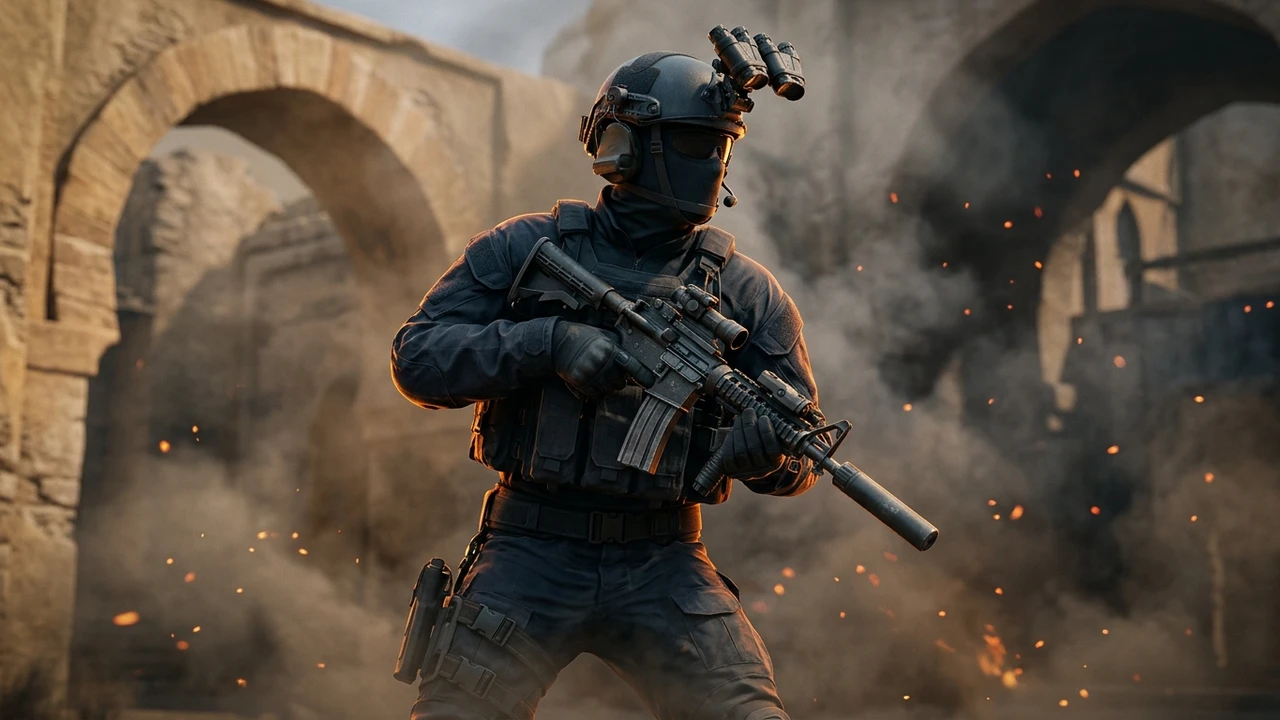
CS 1.6 2026 Edition
Download the latest CS 1.6 2026 Edition for modern Windows 11 and 10 systems. Features 144Hz/240Hz monitor optimization, widescreen HD UI, anti-slowhack protection, and active masterserver.
- → Modern 2026 build
- → HD widescreen textures
- → 144Hz/240Hz FPS uncap
- → Anti-Slowhack Shield
- → Ultra-compressed 170 MB
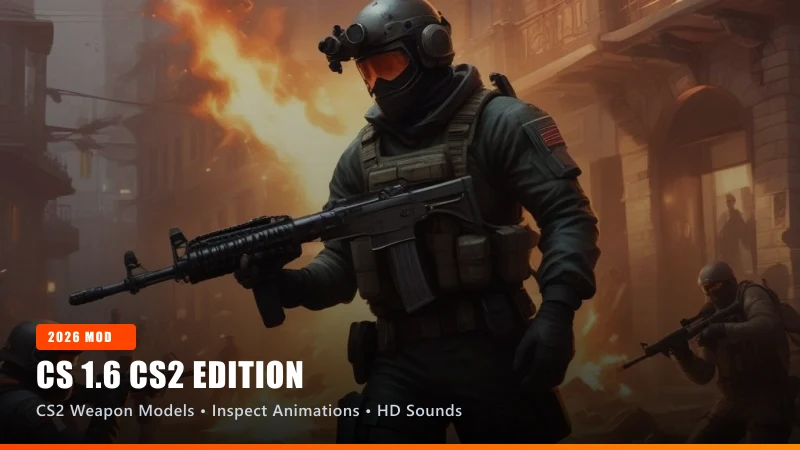
CS 1.6 CS2 Edition
Experience Counter-Strike 2 aesthetics on the classic 1.6 GoldSrc engine with CS2 weapon models, inspect animations, modern HUD, and HD sound effects.
- → CS2 weapon models
- → Weapon inspect animations
- → CS2 audio effects
- → High-definition HUD
- → Classic 1.6 physics
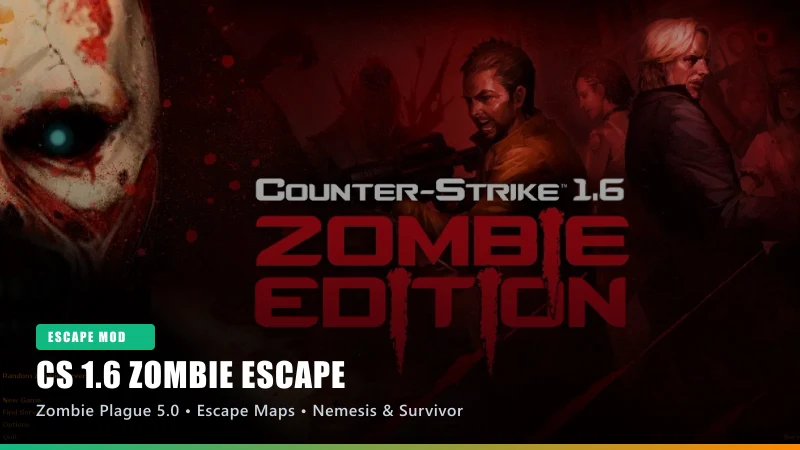
CS 1.6 Zombie Escape Edition
Zombie Plague 5.0 and Zombie Escape client featuring Nemesis & Survivor modes, multi-stage escape maps, laser mines, and full offline bot support.
- → Zombie Plague 5.0
- → Zombie Escape maps
- → Nemesis & Survivor
- → Offline bot support
- → Laser mines & custom guns
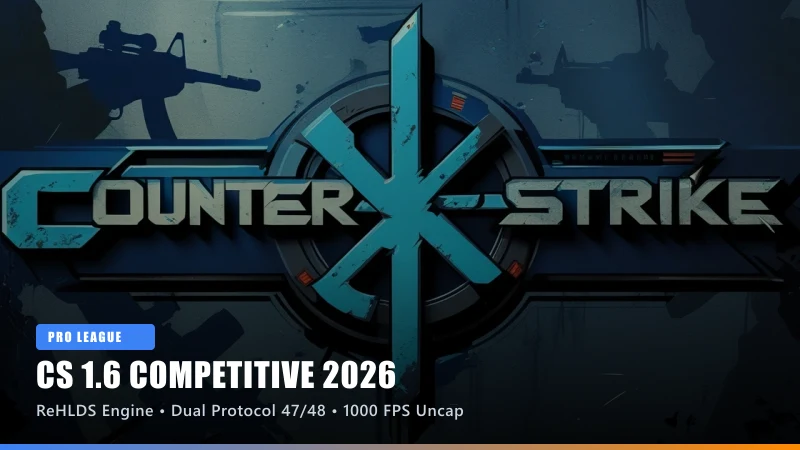
CS 1.6 Competitive 2026 Edition
Built on the ReHLDS engine with dual protocol 47/48, pre-tuned rates (ex_interp 0.01), 1000 FPS server browser, and anti-cheat config protection.
- → ReHLDS GoldSrc engine
- → Dual Protocol 47/48
- → Pre-configured pro netcode
- → 1000 FPS server browser
- → Tournament ready
CS 1.6 Admin Edition
Designed for community server owners and moderators with built-in AMX Mod X binds, quick RCON shortcuts, spectator tools, and config protection.
- → Admin menu
- → Server tools
- → RCON shortcuts
- → Anti-slowhack shield
- → Demo review helpers
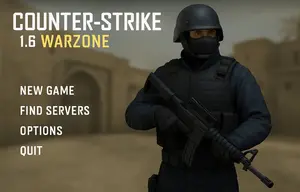
CS 1.6 WarZone Edition
Classic CS 1.6 WaRzOnE non-Steam client featuring Dual Protocol 47/48 compatibility, integrated offline POD-Bots ("H" menu), and anti-slowhack protection.
- → Dual Protocol 47/48
- → Offline POD-Bots (H menu)
- → Anti-slowhack protection
- → 10,000+ masterserver list
CS 1.6 System Requirements (Windows)
Minimum Requirements
- • OS: Windows XP or higher (Windows 7, 8, 10, 11)
- • CPU: 500 MHz processor
- • RAM: 96MB
- • Graphics: 16MB video card
- • Storage: 700MB free space
Recommended Requirements
- • OS: Windows 7 or higher (Windows 10, 11)
- • CPU: 1.2 GHz processor
- • RAM: 256MB
- • Graphics: 32MB video card
- • Storage: 1GB free space
CS 1.6 Installation Guide
- 1. Download your preferred CS 1.6 edition client from this page.
- 2. Extract the downloaded file using a program like WinRAR or 7-Zip.
- 3. Run the `setup.exe` file as administrator to begin the installation.
- 4. Follow the instructions in the installation wizard, choosing your desired installation directory.
- 5. Wait for the installation process to complete.
- 6. Launch Counter-Strike 1.6 using the desktop shortcut that is created.
- 7. (Optional) Check our detailed installation guide for troubleshooting tips.